-
[TinyMCE] 이미지와 텍스트가 섞인 게시글 작성하기React.js/라이브러리 2023. 12. 13. 17:12
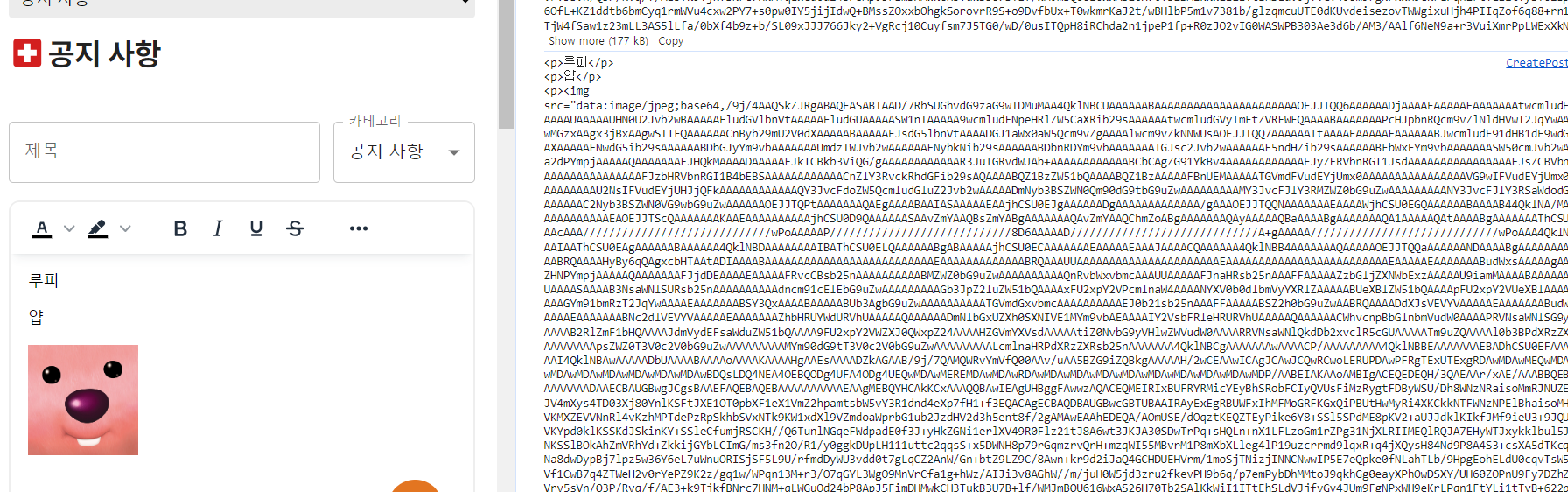
해당 에디터에서 이미지를 삽입 후 콘솔에 값을 띄워보면 base64로 변환되어 있는 것을 확인했다.
base64가 오지게 길어서 서버에 그대로 보낸다면 부담이 될 것 같아서 방법을 찾아봤다.
import { Editor } from '@tinymce/tinymce-react';
import { useEffect, useRef } from 'react';
import { imageConversion } from '../../api/boards';

const editor_api = import.meta.env.VITE_EDITER_API_KEY;

export const TinyEditor = ({ value, handleContent }) => {
  const editorRef = useRef();

  useEffect(() => {
    const handleEditorInit = (editor) => {
      editorRef.current = editor;
    };

    if (editorRef.current) {
      handleEditorInit(editorRef.current);
    }
  }, []);

  const handleImageSelection = async (event) => {
    const file = event.target.files[0];
    const imageUrl = await imageConversion(file);

    const currentEditor = editorRef.current;
    if (currentEditor) {
      currentEditor.execCommand('mceInsertContent', false, `<img src="${imageUrl}" alt="Inserted Image" />`);
    }
  };

  const addImage = () => {
    const input = document.createElement('input');
    input.type = 'file';
    input.accept = 'image/*';
    input.onchange = handleImageSelection;
    input.click();
  };

  return (
    <Editor
      apiKey={editor_api}
      value={value}
      onInit={(ent, editor) => (editorRef.current = editor)}
      onEditorChange={(content) => {
        handleContent(content);
      }}
      init={{
        placeholder: '내용을 입력하세요',
        language: 'ko_KR',
        selector: 'textarea',
        menubar: false,
        height: '70vh',
        plugins: [
          'advlist',
          'autolink',
          'lists',
          'link',
          'image',
          'charmap',
          'preview',
          'anchor',
          'searchreplace',
          'visualblocks',
          'code',
          'fullscreen',
          'insertdatetime',
          'media',
          'table',
          'code',
          'help',
          'wordcount',
          'save',
        ],
        toolbar:
          'formatselect fontselect fontsizeselect |' +
          ' forecolor backcolor |' +
          ' bold italic underline strikethrough |' +
          ' alignjustify alignleft aligncenter alignright |' +
          ' bullist numlist |' +
          ' table tabledelete |' +
          ' link custom_image |' +
          ' insertimage',
        fontsize_formats: '9px 10px 11px 12px 13px 14px 15px 16px 18px 20px 22px 24px 28px 32px 36px 48px',
        content_style: 'body { font-family:Helvetica,Arial,sans-serif; font-size:14px }',

        setup: (editor) => {
          // 이미지 삽입 버튼 클릭 시 이미지 선택 다이얼로그 열도록 설정
          editor.ui.registry.addButton('insertimage', {
            icon: 'image',
            tooltip: 'insert image',
            onAction: addImage,
          });
        },
      }}
    />
  );
};
export const imageConversion = async (file) => { const formData = new FormData(); formData.append('image', file); try { const result = await axios.post('/api/images', formData, { headers: { 'Content-Type': 'multipart/form-data', }, }); return result.data.imgUrl; } catch (error) { console.error(error); } };1. 에디터에 이미지 삽입 옵션을 넣고, 이미지를 업로드 했을 때 실행되는 함수 addImage를 정의했다.
2. add된 이미지가 바뀔 때 마다 handleImageSelection 함수를 실행시킨다.
3. handleImageSelection 함수는 파일을 받아서 서버에 formData 형식으로 요청한 후, 응답값인 이미지 URL을 에디터에 바로 띄우는 로직을 수행한다.
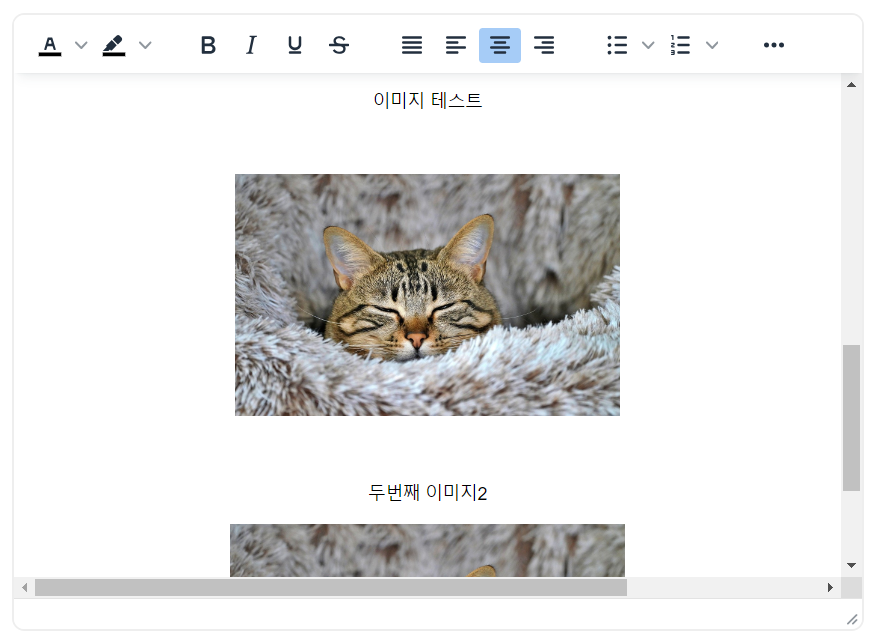
4. 현재 커서 위치에 해당 이미지 태그가 삽입된다.
'React.js > 라이브러리' 카테고리의 다른 글
[react-to-print] 특정 컴포넌트 프린트하기 (0) 2024.02.26 [dayjs] x시간 전 (0) 2024.02.07 [Recoil] 새로고침 후에도 데이터를 유지하려면? (recoil-persist) (0) 2023.11.23 [Recoil] 전역 상태 관리가 이렇게 간단해? (feat. Atom, Selector) (0) 2023.06.21 React Query와 서버 상태 관리(비동기 통신 분리) (0) 2023.05.31